
Get Started
Organizations and users are provisioned by the Furl team — reach out to support@furl.ai if anything looks off with your account.
Onboarding
Section titled “Onboarding”Once Furl provisions your organization, every user receives an email invitation. Users can authenticate with their Google account or with a one-time password sent to their registered email.
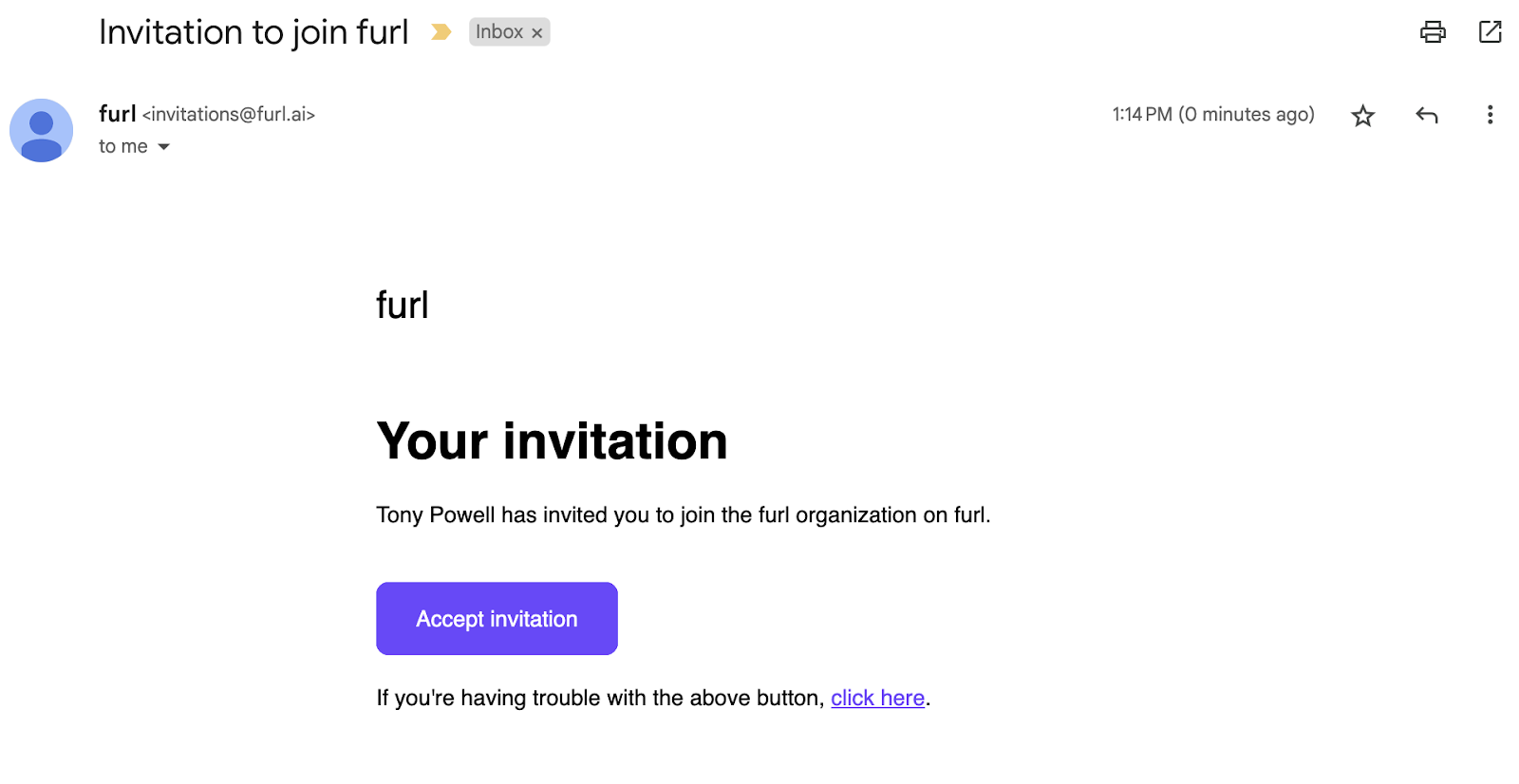
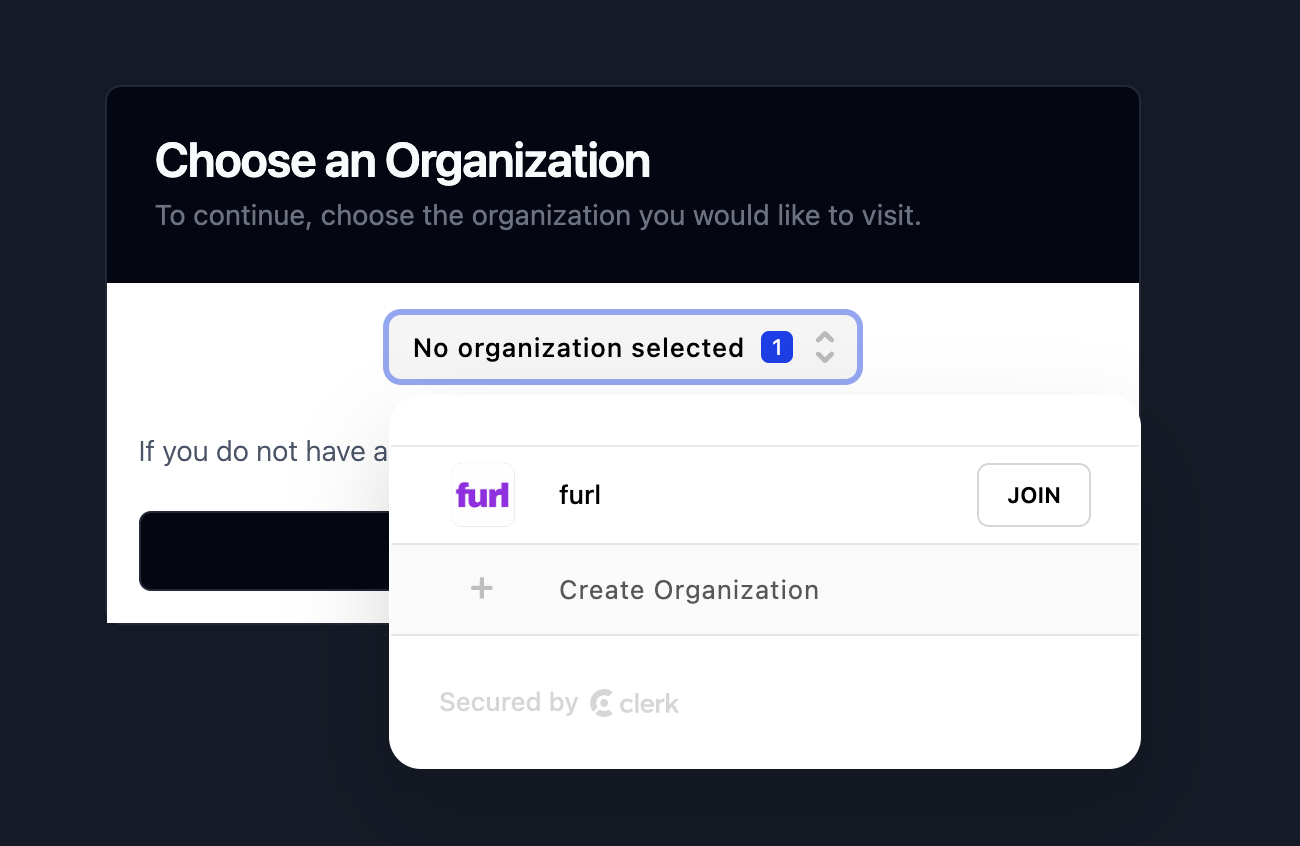
A user can belong to more than one organization. The first organization a user joins becomes their default organization on subsequent visits.
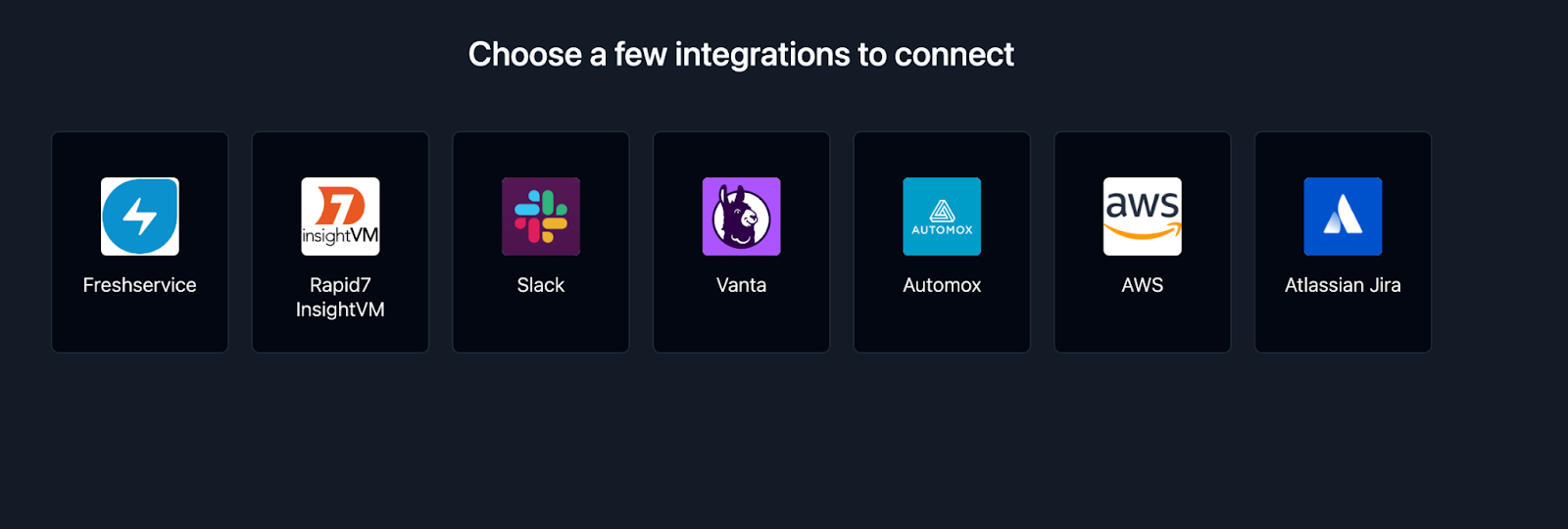
Before you start using Furl, the first user in an organization must configure at least one integration. Integrations with vulnerability scanners, asset management tools, ticketing systems, and identity providers are how Furl learns about your environment so it can begin reducing risk.
The fastest way to get started is with the Furl Vulnerability Scanner. It’s built in, requires no API keys or external scanner, and begins discovering vulnerabilities as soon as the Furl agent is reporting software inventory from your endpoints. Findings flow straight into the context graph and are immediately available for prioritization and remediation.
With your first integration connected, you’re ready to start prioritizing and reducing security risk with Furl.
Exploring the context graph
Section titled “Exploring the context graph”The context graph is Furl’s representation of everything it has imported from your connected tools — assets, vulnerabilities, remediation policies, and the relationships between them.
From the main menu, navigate to Context to open the visual graph.
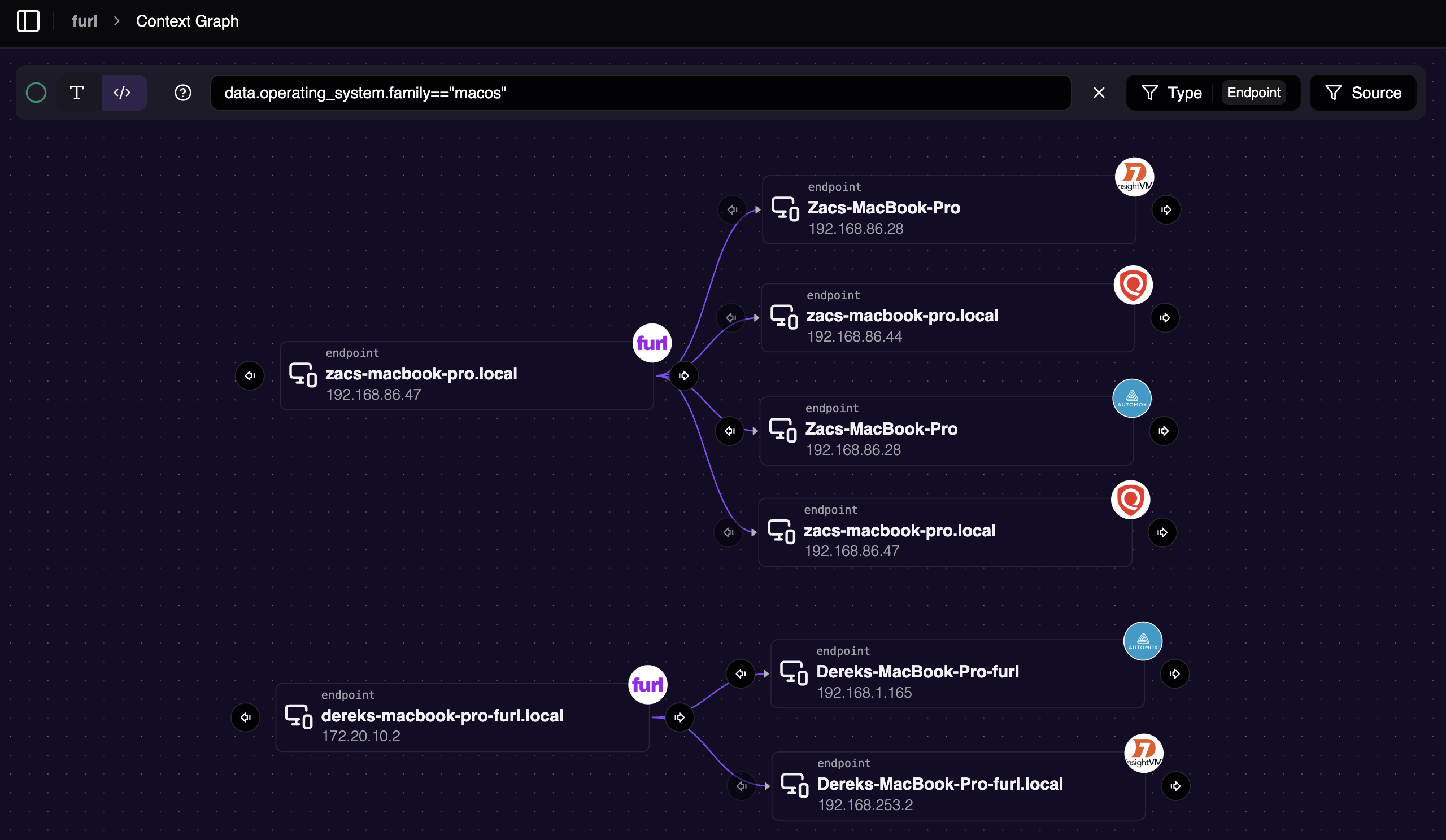
Furl deduplicates and correlates data across providers — when an endpoint is reported by multiple integrations, you see a single consolidated node with each contributing source preserved as a relationship, rather than a separate copy per tool. Use the Source filter to scope the graph to a specific provider, or write a filter expression in the query input to target other data fields like hostname, OS family, or any other attribute Furl has captured.
Inviting users to your organization
Section titled “Inviting users to your organization”Admins can invite additional users to collaborate. Invitees go through the same email-invitation onboarding flow as the first user.
See User Management for how to open Manage Organization, the available roles, and how to enable automatic invitations for users on your domain.